

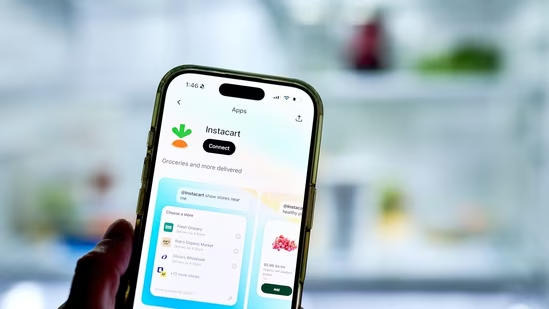
Popular online grocery delivery and pickup service application, Instacart, was down on Thursday. Downdetector, a platform that reports about online outages, showed at least 2000 reports at the time of writing this story. Users from several major cities, including San Francisco, Jacksonville, Chicago and Los Angeles, faced issues.
Instacart responds
Meanwhile, the company responded to a complaint on X, platform formerly known as Twitter. “Our IT team is aware of the app issue and are currently working to resolve it as quickly as possible. I apologize for any inconvenience this may have caused, and appreciate your patience during this time,” Instacart’s help handle tweeted. The exact issue was not revealed.
“@Instacart @instacarthelp The shopper app seems to be down and I’m currently in the middle of a delivery. I can’t complete the order or access the customer’s info. Is there an ETA for a fix? #InstacartDown,” one customer complained on social media.
“Instacart app is down – i’m currently active on a batch and i was about to finish it.” another one added.
5 quick fixes for shopper app Issues
Force close and restart
Completely close the Instacart Shopper app, then restart your phone. This clears temporary glitches for many users.
Clear cache and data
Go to your phone’s Settings > Apps > Instacart Shopper > Storage > Clear Cache (and Clear Data if needed). Log back in afterward.
Update the app
Make sure you’re on the latest version from the Google Play Store or Apple App Store. Older versions often cause compatibility issues.
Check your internet and VPN
Switch between Wi-Fi and mobile data. Disable any VPN, as it can interfere with Instacart’s servers. Try a different network if possible.
Reinstall the app
If the above doesn’t work, uninstall and reinstall the Instacart Shopper app. This often resolves persistent loading or batch visibility problems.
Additional tips
Log out and log back in after restarting.
Check your account status in the app — sometimes a temporary hold or rating issue can limit batch visibility.
Wait 15–30 minutes and try again, as many issues resolve on their own after backend syncing.
If problems continue, contact Instacart Shopper Support directly through the app (Help > Contact Support) or via email. Many shoppers report that issues like “no batches” are often due to high competition or algorithm changes rather than a full outage.